Compress PDF online from your browser

A better alternative to Adobe to reduce PDF file size when you need a lighter document for email, uploads or storage

Compress PDFs straight from your browser from any device
Shrink documents exported from Adobe Acrobat, InDesign, Photoshop, or Illustrator
Create smaller copies of PDF reports and scanned documents

24/7 multilingual phone, chat
and email support | +1-844-898-1076

video
Upload Your Files
Drop Files Here to Shrink
or

Everything you can do with CompressSimpli

Do more with AI-powered compression

Turn massive files into manageable ones

  • Reduce large Adobe-created documents before sharing
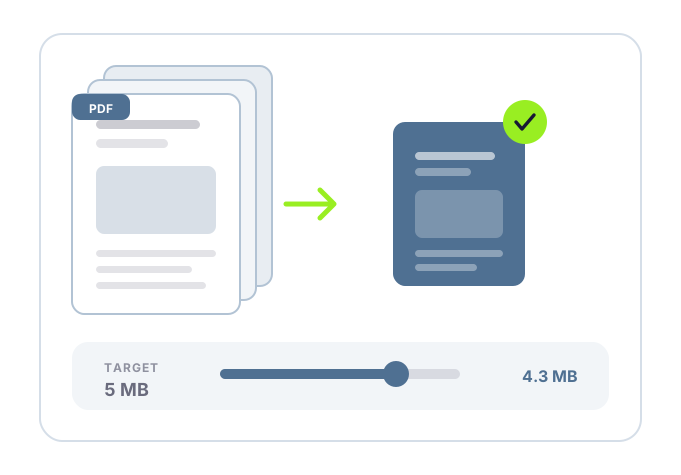
  • Shrink bulky scanned PDFs and presentation decks by up to 90%
  • Prepare files effortlessly for upload, email and shared folders
  • Reduce PDF size while maintaining formatting and without rebuilding the document
A PDF being compressed without a desktop app

Frequently asked questions

Simple answers to your questions

Can I compress a PDF created with Adobe software?
Yes. A PDF created in Adobe Acrobat, Photoshop, Illustrator or another application can be compressed after export.
Why is an Adobe PDF still large?
PDFs can include high-resolution images, embedded fonts, layers and scan data. These elements can make a document large even when it contains only a few pages.
Do I need Adobe Acrobat to compress a PDF?
No. You can use our CompressSimpli browser- based PDF compression workflow to create a smaller copy, then download it for email, upload or storage.
Will compressing an Adobe PDF change its layout?
Compression aims to reduce file size while retaining the document’s existing layout. Review the output before using it, particularly for detailed designs, print assets or form documents.
Making compression simple
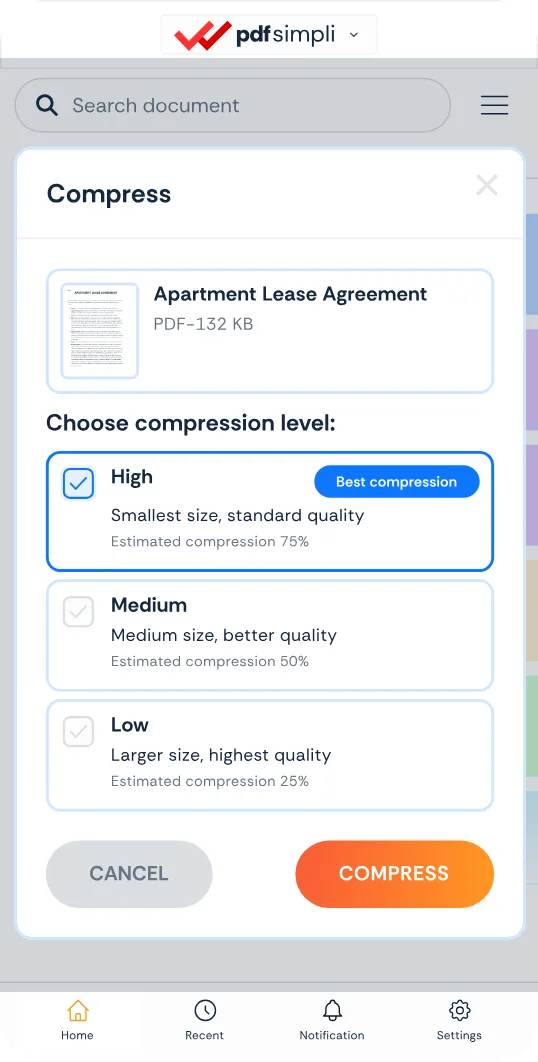
The CompressSimpli app showing a file before and after compression
Compress simpli tools