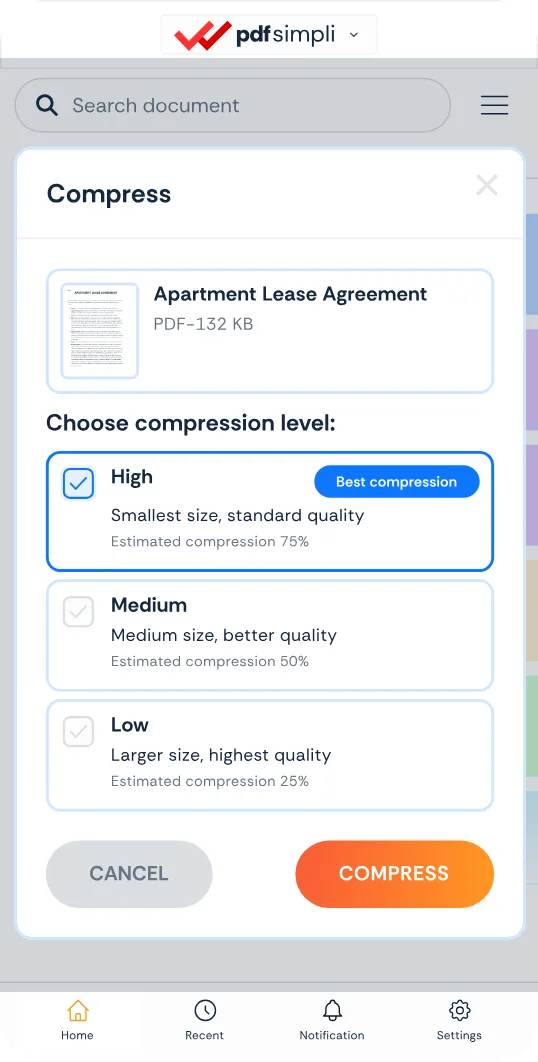
Compress PDF online from your browser

Shrink PDFs and documents instantly in your browser from any device—with no software downloads or plugins

Seamlessly compress PDFs online and share or save in seconds
Eliminate oversized email attachments and overflowing storage archives
Optimize multi-page contracts, financial statements, and scanned documents

24/7 multilingual phone, chat
and email support | +1-844-898-1076

video
Upload Your Files
Drop Files Here to Shrink
or

Everything you can do with CompressSimpli

Do more with AI-powered compression

Turn massive files into manageable ones

  • Reduce PDF file size online without changing your workflow
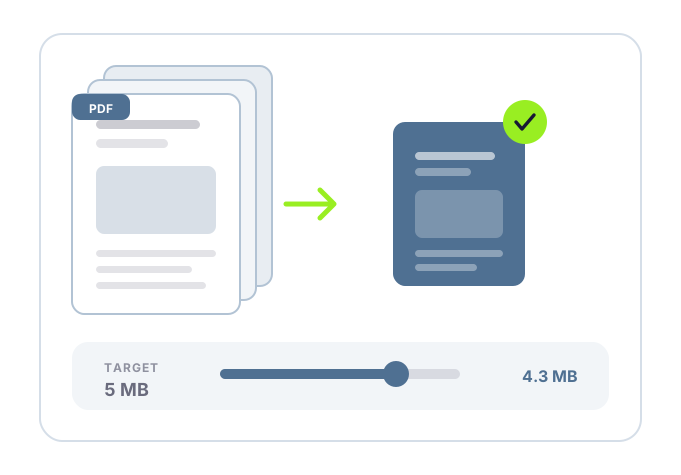
  • Reclaim disk space and bypass email attachment limits
  • Shrink bulky scanned PDFs and presentation decks by up to 90%
  • Compress PDFs straight from your browser from any device
A PDF being compressed in a browser tab

Frequently asked questions

Simple answers to your questions

How do I compress a PDF online?
Open the PDF compression tool in your browser, upload the document and start the compression process. When it finishes, download the smaller PDF and check the result.
Can I compress a PDF online from my phone?
Yes. Use your mobile browser to select a PDF from your device, compress it and save the smaller version for email, messaging or a portal upload.
Do I need to install software to compress a PDF online?
No. A browser-based workflow lets you upload, compress and download the document through the website, without a separate desktop or mobile installation.
What PDFs should I compress online?
Large scanned documents, image-heavy reports, presentation exports and application attachments are common examples. Compression is especially helpful when a file is too large to email or upload.
Making compression simple
The CompressSimpli app showing a file before and after compression
Compress simpli tools