Compress JPG online from your browser

Reduce JPG size while safeguarding vibrancy, color profiles, and sharp edges for social and web publishing

Reduce JPG size by 70%–80% so photos are easier to email, share, upload and store
Speed up product catalog photography on Shopify, WooCommerce, and Etsy shops
Browser-based JPEG optimization tuned for digital creators and e-commerce

24/7 multilingual phone, chat
and email support | +1-844-898-1076

video
Upload Your Files
Drop Files Here to Shrink
or

Everything you can do with CompressSimpli

Do more with AI-powered compression

Turn massive files into manageable ones

  • Compress JPG images online across all your projects
  • Compress JPGs in your browser without visible quality loss
  • Find the sweet spot between visual quality and file size
  • Save space in your image folders with smaller, more manageable files
A JPG photo being compressed in a browser

Frequently asked questions

Simple answers to your questions

How do I compress a JPG online?
Upload the JPG image through your browser, run the compression process and download the reduced file. Open the result to make sure it has the appearance you need.
Why should I compress a JPG before uploading it?
Large JPGs can slow down uploads, use more storage and exceed image limits on forms or websites. Compression makes the file more manageable for these situations.
Will a compressed JPG have lower quality?
Some quality reduction is possible because JPG compression removes visual data to lower file size. The goal is to balance a smaller file with an image that still looks appropriate for its purpose.
Can I compress JPG photos from a phone?
Yes. You can select a JPG from your phone’s photos or file storage through a mobile browser, then download or share the compressed copy.
Making compression simple
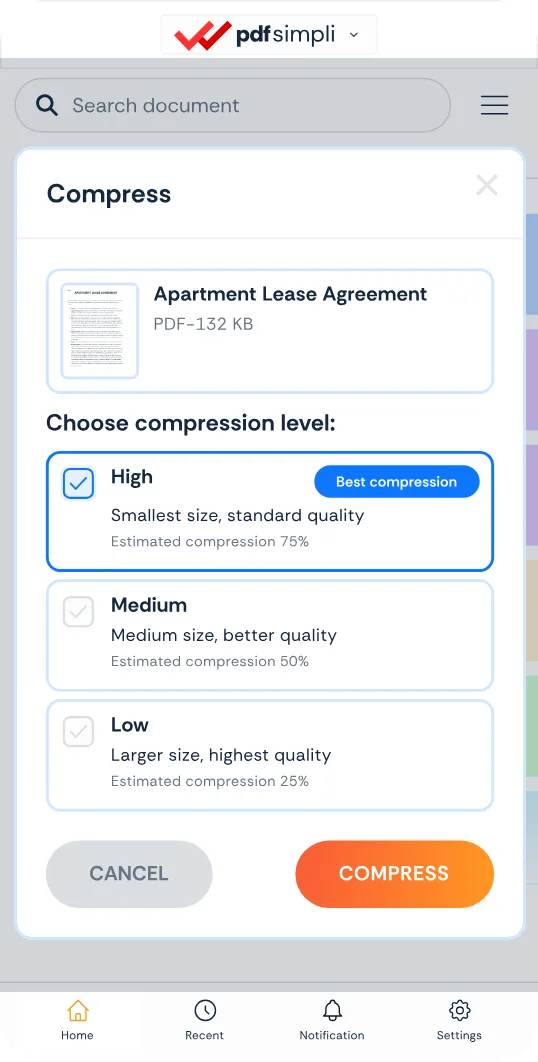
The CompressSimpli app showing a file before and after compression
Compress simpli tools