Image compression without quality loss

Reduce oversized images for websites, emails, and documents—before uploading, sharing or publishing

Optimize website graphics, banners, and digital assets for lightning-fast page load times
Shrink PNG, JPG, SVG, and WebP graphics by up to 85% without visible blur
Keep photo libraries lighter for easier navigation reduced storage

24/7 multilingual phone, chat
and email support | +1-844-898-1076

video
Upload Your Files
Drop Files Here to Shrink
or

Everything you can do with CompressSimpli

Do more with AI-powered compression

Turn massive files into manageable ones

  • Compress image files while maintaining crisp resolution

  • Improve Google Core Web Vitals (LCP) and boost SEO page load speeds
  • Visual-lossless compression calibrated for web designers and developers
  • Prepare visuals for email, forms and shared folders
A photo being compressed for the web

Frequently asked questions

Simple answers to your questions

What does image compression do?
Image compression reduces the amount of data in an image file, which lowers its file size. It is commonly used to make photos and graphics easier to upload, store and share.
Why should I compress images for a website?
Smaller image files can help pages load more efficiently, especially on mobile connections. They can also make it easier to meet content- management-system upload limits.
Will image compression make a photo look blurry?
It can if the file is compressed aggressively. A balanced compression approach aims to reduce unnecessary file weight while retaining a useful level of visible detail.
Can I compress screenshots?
Yes. Screenshots can become large, especially when they contain high-resolution displays or detailed interfaces. Compressing them can make them easier to attach to tickets, emails and documents.
Making compression simple
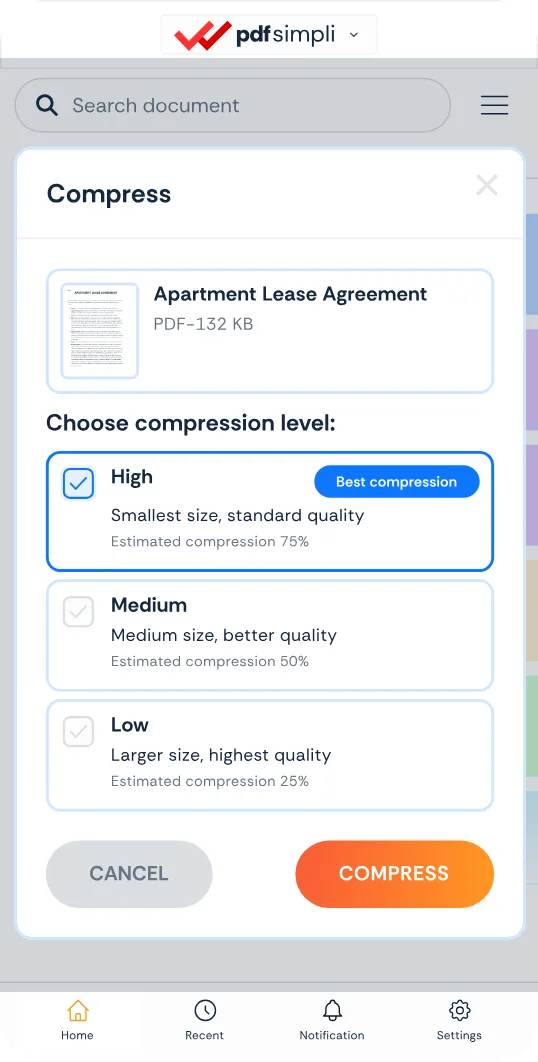
The CompressSimpli app showing a file before and after compression
Compress simpli tools