Compress PDF while keeping text crisp

Optimize graphics and fonts across multi-page contracts, financial statements, and scanned documents

Shrink large PDFs for email attachments, portals, sharing and uploads effortlessly
Maintain crystal-clear typography, vector lines, and digital signatures
Shrink bulky scanned PDFs and presentation decks by up to 90%

24/7 multilingual phone, chat
and email support | +1-844-898-1076

video
Upload Your Files
Drop Files Here to Shrink
or

Everything you can do with CompressSimpli

Do more with AI-powered compression

Turn massive files into manageable ones

  • Keep reports and scans manageable with fewer attachment issues
  • Reduce PDF size while maintaining formatting and without rebuilding the document
  • Process professional PDFs, 100+ page annual reports and legal briefs in seconds
  • Deep structural PDF optimization built for legal, enterprise, and academic files
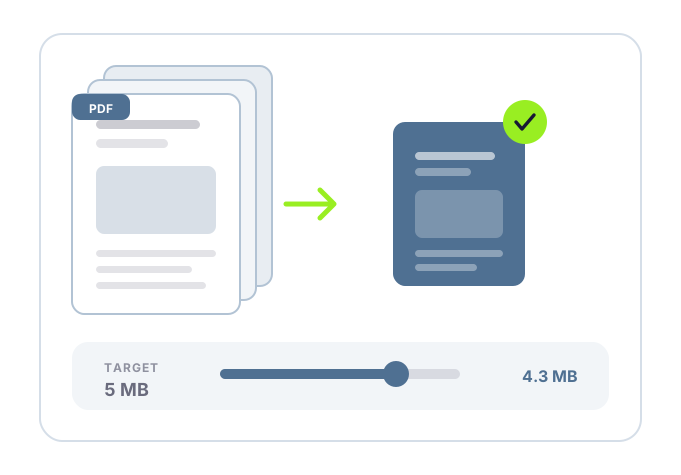
A PDF being reduced in file size

Frequently asked questions

Simple answers to your questions

How do I compress a PDF?
Upload the PDF to the compression tool, allow it to process the file, then download the smaller version. Review the downloaded document to confirm the visual quality works for your use case.
Why is my PDF file so large?
Scanned pages, high-resolution images, embedded fonts and layered graphics can increase a PDF’s size. Documents created from image-heavy source files often benefit most from compression.
Can I compress a scanned PDF?
Yes. Scanned PDFs are often large because each page contains an image. Compression can reduce image data and make the document easier to share or upload.
Will PDF compression remove pages or text?
Compression is intended to reduce file size, not remove document content. Still, review the compressed PDF after downloading it, especially if it contains fine print, forms or detailed images in the way you intend.
Making compression simple
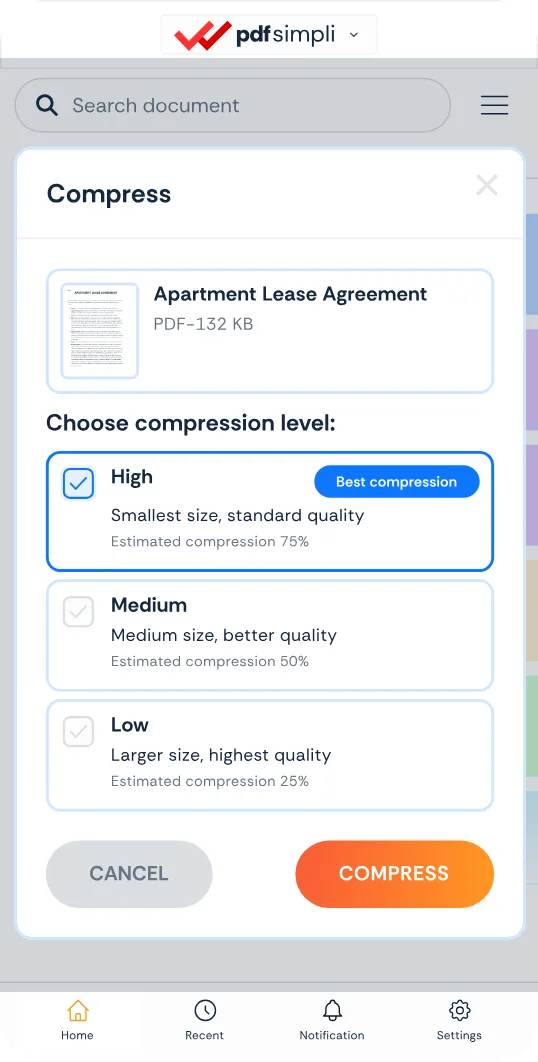
The CompressSimpli app showing a file before and after compression
Compress simpli tools